
Frequently asked questions
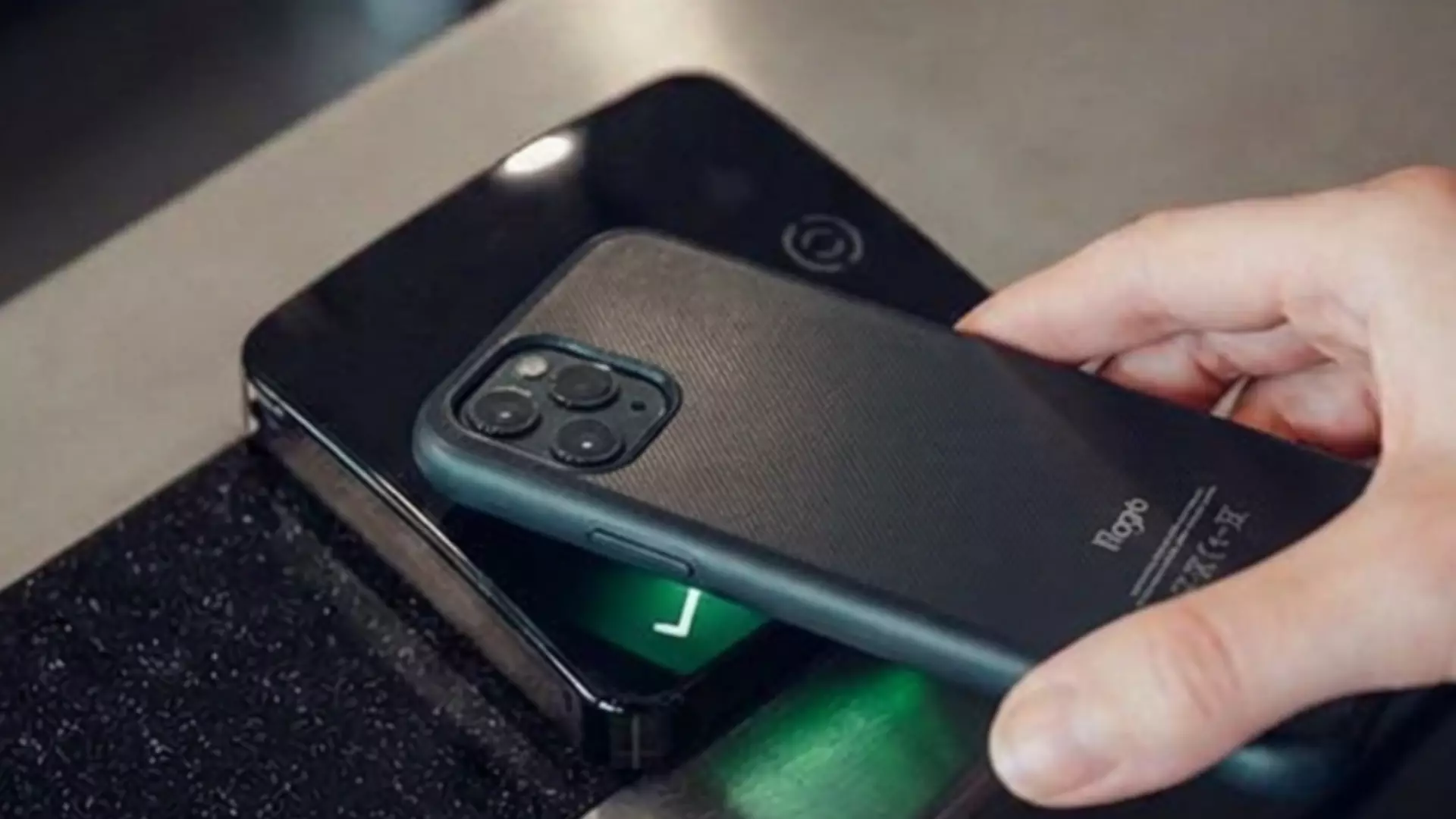
Open your Apple or Google Wallet on your device and hold it over the reader in centre. The reader will scan your card in the same way as BH Live Active card/band/dot to confirm your attendance.
If they have their own smartphone device, then yes. If they don’t, you may prefer to keep using their physical card, band or dot instead.
No. Digital cards are linked to your BH Live Active membership and are for personal use only, as set out in your BH Live Active membership T&Cs.
Yes – you can scan into all BH Live Active leisure centres using your digital membership card.
No. Please bring your physical membership card to log in as normal.
Yes! Your digital membership card should work via your smartphone or Apple or Android smartwatch when added to your wallet.
Pop in to your local centre – our teams will be happy to assist.
No problem – come and speak with us at reception.
Your digital card will be saved in your Apple or Google wallet. It will be displayed in your new phone’s Apple or Google wallet once you log in with your account details.
If you have switched device type (e.g. Apple to Android), please contact us via our online Help Centre.
No. You can continue to use your BH Live Active card, band or dot as usual.